
WE’LL TEACH YOU HOW TO TAKE CONTROL.
When you first got access to the internet, no rulebook told you what to do online, what to watch out for, or what the risks were.
No one sat you down and explained what happens to your data, how to spot a scam, who to trust, or what to do when something goes wrong. You were simply expected to know.
But you shouldn’t have to figure it all out on your own.
The online world is constantly changing, and knowing how to navigate it is a skill, not something you’re just supposed to know. KnowledgeFlow is here to give you the knowledge, tools, and confidence to understand what’s happening behind the screen, protect what matters to you, and make your own smart and safe choices online.
UnHackable 60-Second Digital Skills Challenge
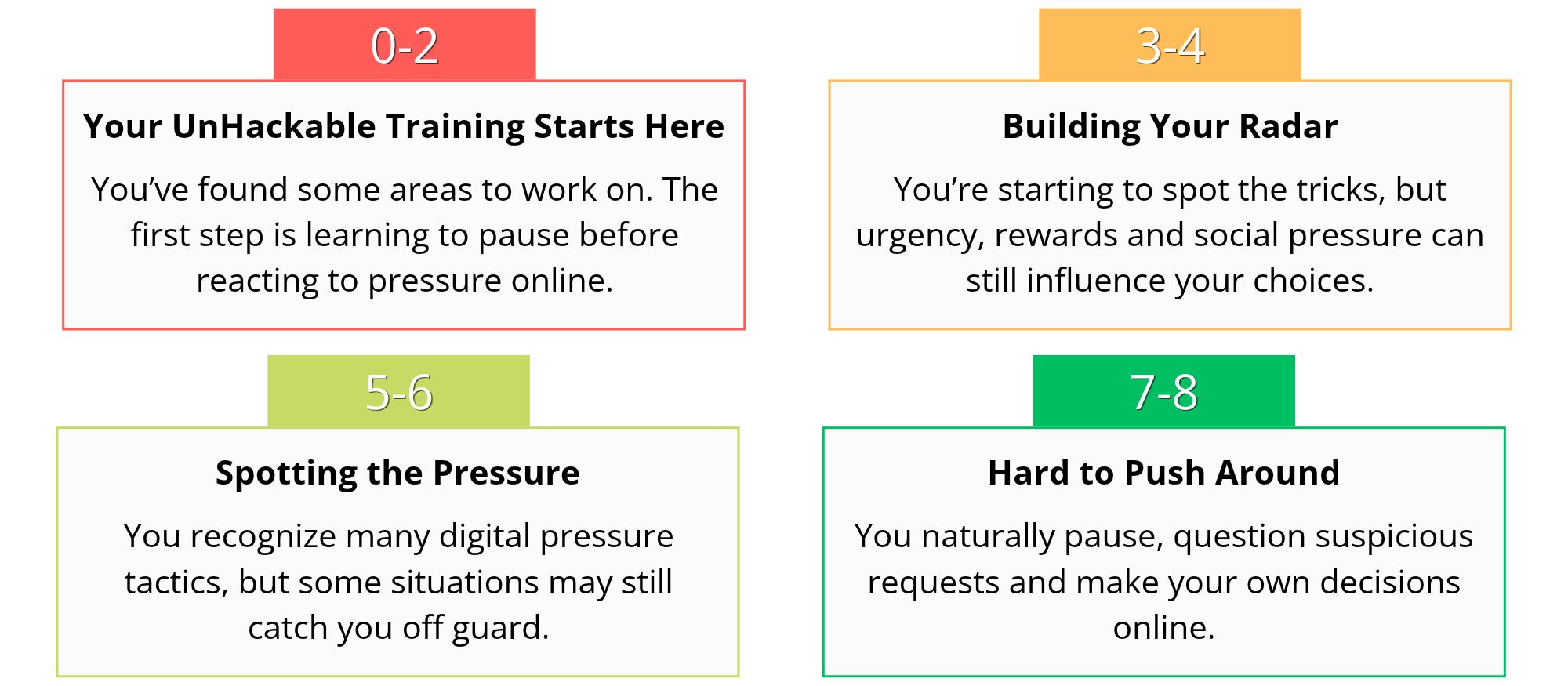
Test your digital skills with the quiz below! Choose what you’d genuinely do in each situation, then click “Check” to see immediate feedback. Complete the quiz to get your score and discover what it says about your UnHackable skills. Be honest; there are no perfect scores. This is your starting point!
[h5p id=”123″]
Featured Programs

NOVEMBER 16, 2026
Register for National CyberDay 2026
This isn’t Cyber Monday. It’s National CyberDay 2026!
National CyberDay is our annual day of cybersecurity education, and it’s also the release date for some of the new resources, courses, and activities we’ve been working on.
This year, it’s all about AI. 🤖 Artificial intelligence is changing quickly and showing up in more of the technology we use every day. So this CyberDay, we’re exploring what AI can do, how it’s being used beyond the tools you may already know, and the responsibilities that come with it.
Curious about AI? Come check it out on November 16, 2026! Registration required.
lEARN CYBERSAFETY AND CYBERSECURITY
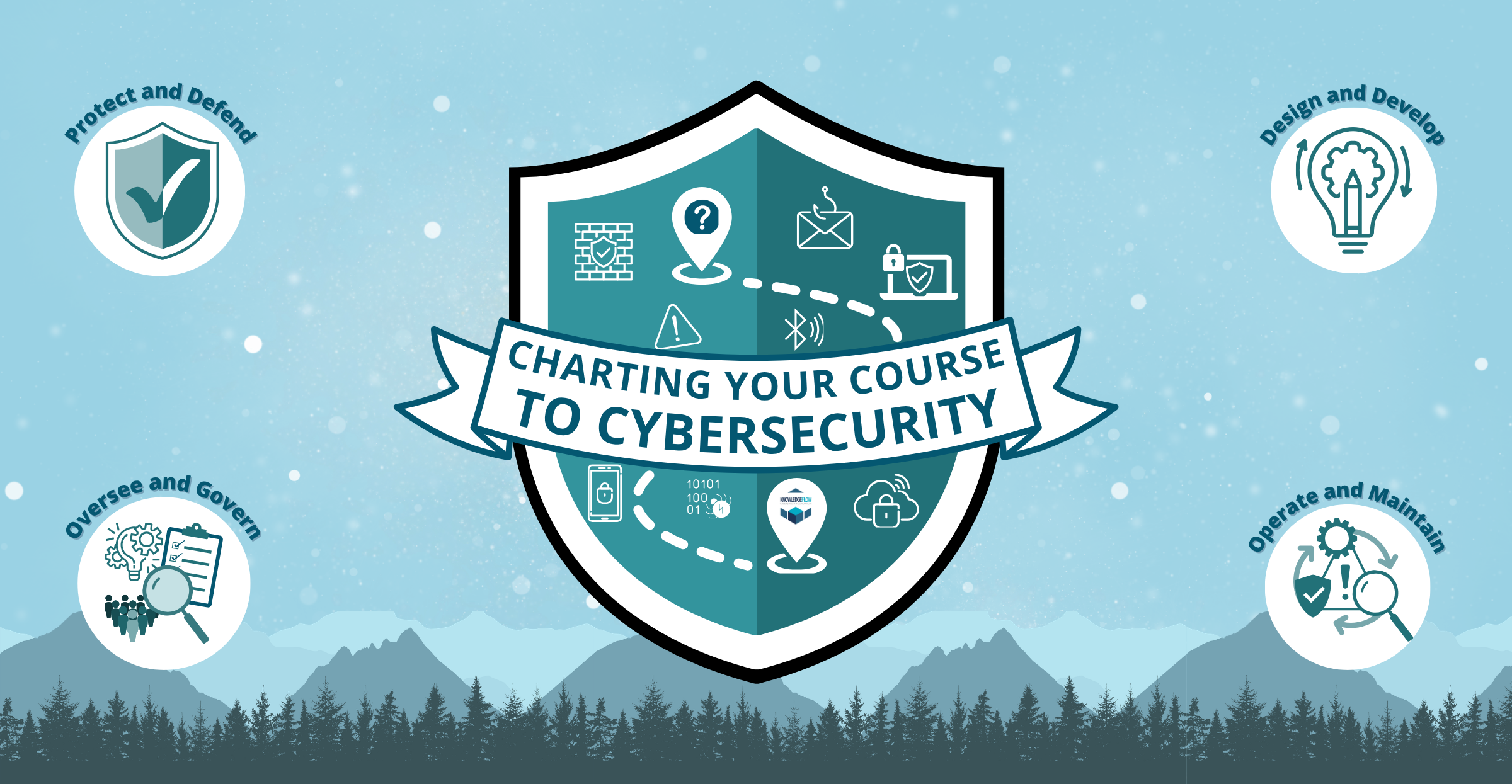
Charting your course: A map from cybersafety to cybersecurity
Explore the world of cybersafety and cybersecurity, learning about the online risks that can affect you, from cybercrime and scams to privacy and the ways your personal information can be accessed and used.
Discover cybercriminal tactics, discover the potential harms you can encounter online, and build practical skills to protect your information, accounts, privacy, and digital life. Along the way, explore what a career in cybersecurity can look like and discover the different paths you can take to get there.
Learn what is out there. Understand the risks. Protect yourself. Enroll today!
Hoots Digital wellness wheel activity
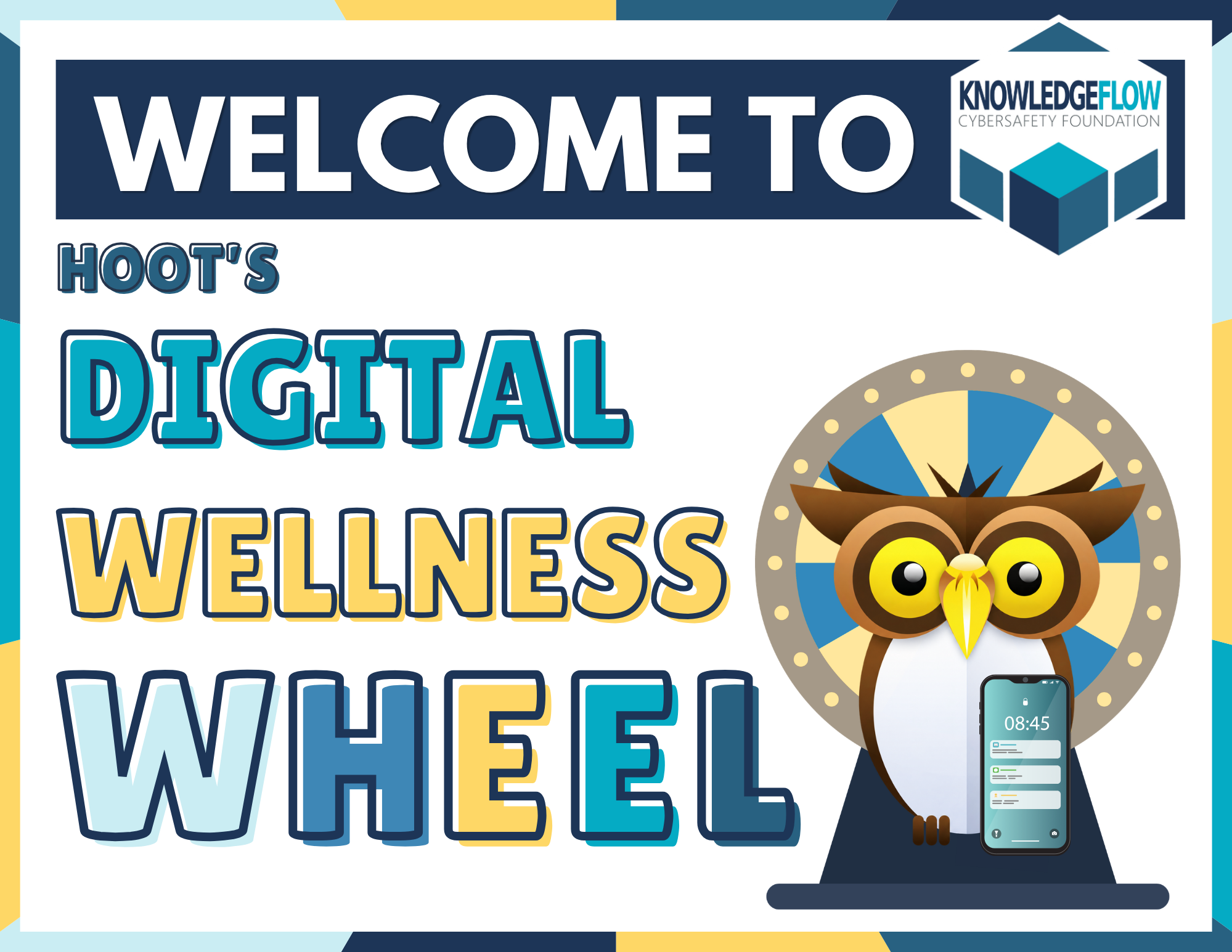
To everyone who stopped by our RALLY booth, we hope you enjoyed exploring Hoots’ Digital Wellness Wheel! We had some amazing conversations with students during our activities, and we wanted to share the questions featured on our wellness wheel with everyone.
Whether you’re a teen looking to learn more about cybersafety or a teacher interested in bringing this activity into your classroom, we’ve included each wheel category and its corresponding questions below. We hope these questions inspire meaningful conversations about digital wellness and online safety!
Inbox Investigator
Become a true cyber expert and investigate some inboxes! Below are examples of real messages from platforms like TikTok, Instagram, Snapchat, Discord, and email. You are to critically analyze them and answer a series of questions about the messages you see. Spot red flags and unusual requests, and explain what you would do differently in the situation! Test yourself to see how you’d react to these messages and learn what to do, and what not to do. Answers are provided on the last few pages of the document.
Teachers: You can integrate these discussions into your classroom by displaying the message on the board or breaking students into groups to discuss the messages and answer the questions.
What Would You Do?
Can you make important decisions in challenging situations? Below are examples of real-world scenarios you may have encountered or could encounter in the future. Developing the skills and knowledge to recognize what you should and shouldn’t do in these situations is important. As you work through each scenario, think critically about how you would respond and what the best course of action would be. Answers on the last page.
Teachers: You can use these scenarios to spark classroom discussions by displaying them on the board. Have students raise their hands to share how they would respond, or divide them into small groups to discuss their options and explain their reasoning.
Tech Check: Checking Your Digital Life
Stop guessing. Find out what your digital life actually looks like. Grab your phone and take a few minutes to review your settings, permissions, accounts, and habits. You might discover things you didn’t know were switched on, connected or visible.
You just took an important step toward taking your tech on your own terms. Your accounts, passwords, permissions and settings are yours to control. Don’t want an app to have access? Revoke it. Want stronger, unique passwords? Create them. Find a setting you don’t like? Change it.
Being UnHackable isn’t about being perfect. It’s about knowing you have choices and you have control. Your digital life is yours. Take charge of it.
Tech Trivia: Do you know what’s true or false?
Think you know your tech? Test your knowledge with this quick True or False challenge! Choose from four different categories and see how much you know. On a spare piece of paper, write down whether you think each statement is true or false. Once you’ve made your guesses, open the drop-down menu below to check the answer key and see how you did!
Teachers: Turn this activity into a fun classroom challenge! Create a short presentation using the questions and have students raise their hands to share their answers, or let them work independently to test their knowledge and see how many they get right.
Friendship Test: Can you help your friend in a meaningful way?
People sometimes make mistakes online or find themselves in situations they’re not sure how to handle. Maybe a friend believes something that isn’t true, shares something without thinking about the consequences, or doesn’t know what to do when faced with a difficult online situation. Knowing what to say in these moments can make a difference. Below are some scenarios your friends might face online. For each one, think about what you would actually say to help them out. Everyone could use a little help online sometimes, so let’s put your skills to the test and see what it takes to be a good digital friend!
Teachers: Turn this activity into a fun classroom challenge! Have students work independently or in groups to develop their own responses to each Friendship Test scenario. Then, bring the class together to share ideas, compare responses, and discuss how to be a supportive friend and make safer, smarter choices online!
[h5p id=”124″]
Keep learning. Keep playing. Keep exploring.
You have started building the knowledge to navigate the online world with more confidence, but there is always something new to discover. New technologies, new risks, and new ways of staying safe are constantly emerging. The good news? Learning does not have to feel like homework.
Keep exploring with the Cybersafety Academy, where you can dive into interactive courses, take on challenges, and put your skills to the test through games like Cyber Sentinel, Cyber Royale and Think You Know Cyber? Whether you want to learn something new, sharpen your skills, or simply see what you can do, there is plenty more to explore.
Keep your curiosity going. Your next challenge is waiting.